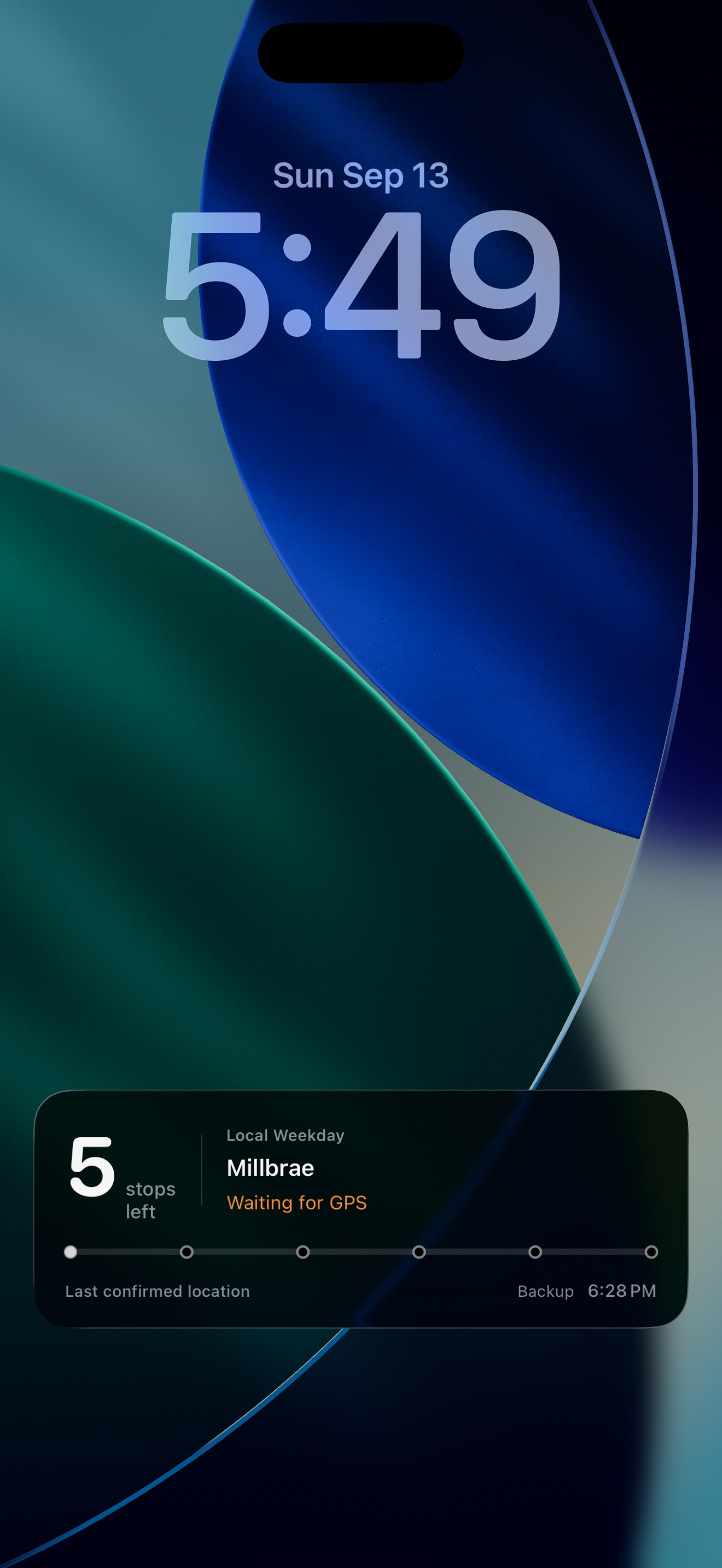
See stops left, your next station, and your backup alarm time on the Lock Screen.
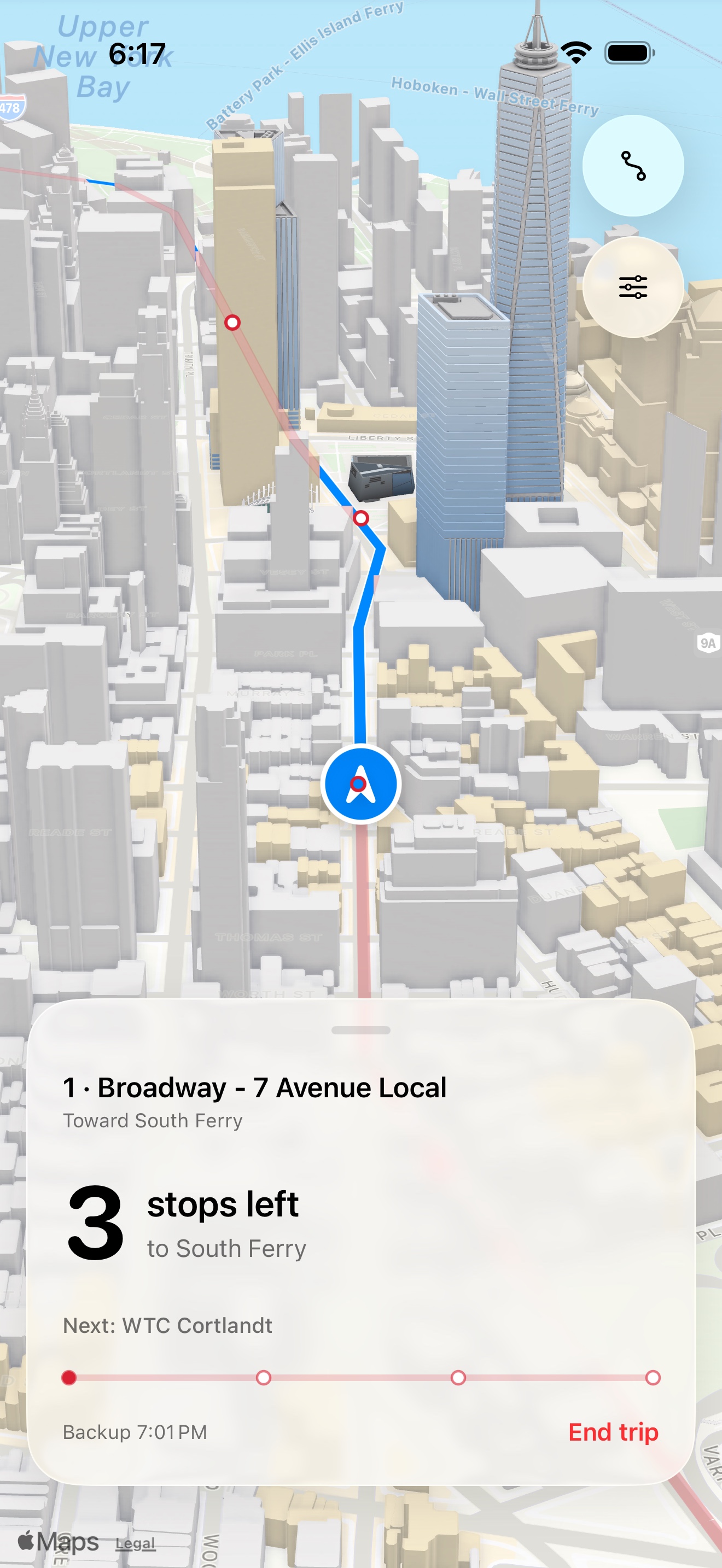
See stops left, your next station, and your backup alarm time on the Lock Screen.
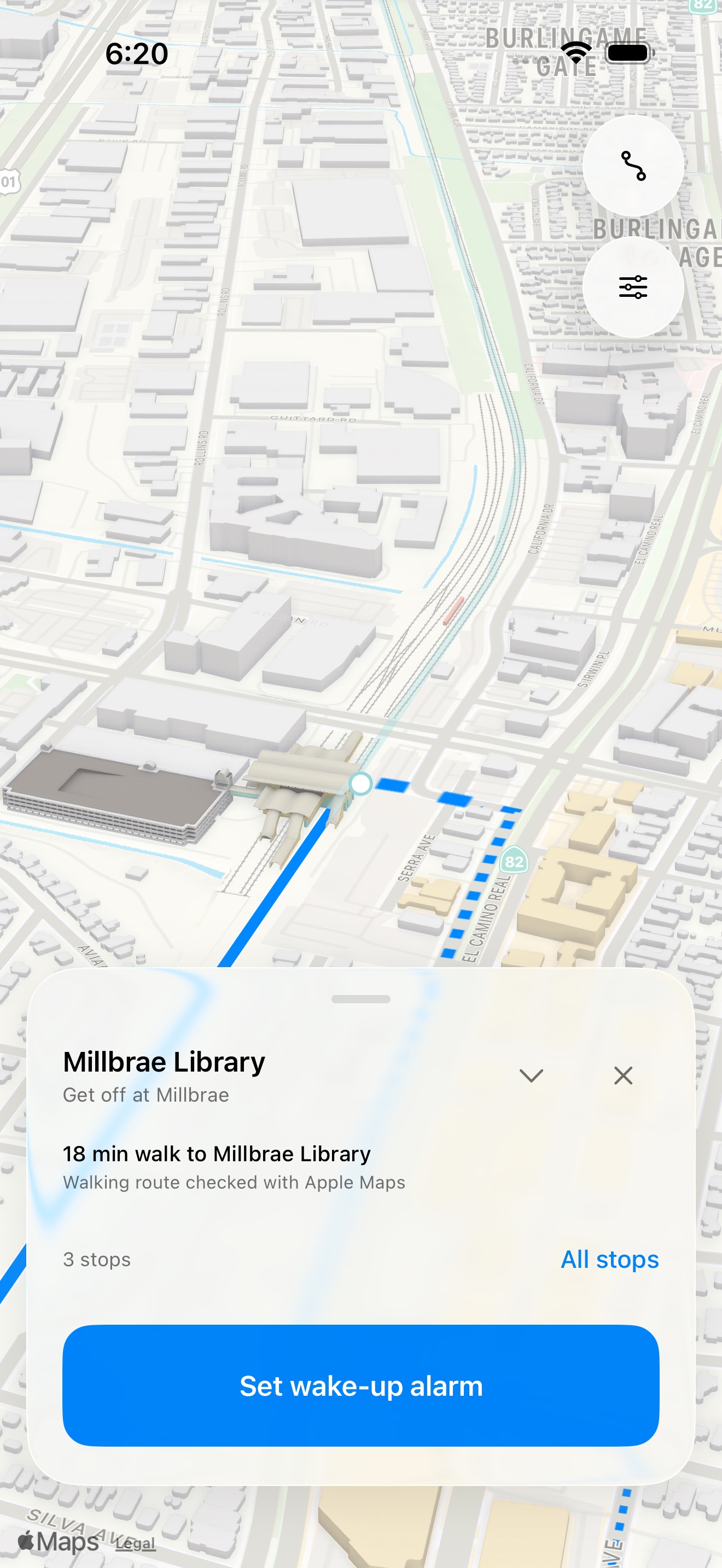
Search a place or address. On supported lines, StopClock suggests where to get off and checks the final walk with Apple Maps.
Native iOS alarms and a timed backup keep your wake-up scheduled when GPS drops. Line maps cover 15 networks, including NYC Subway and Caltrain. Geographic alarms are available elsewhere.
No account. No advertising. No analytics.
How StopClock works →Location-based alerts need Always and Precise Location and a usable GPS signal. Underground, progress pauses at the last confirmed position. Always set a realistic backup and check audible alarm volume. Coverage and 3D detail vary. No live departures or transfer planning.